

How to get more Google reviews for your shop
Reviews rarely come by themselves. Here is how to make it easy for a customer to write one, within Google's rules.
Updated · 3 min read · Written by Klipz
Find your review link
The link is in your Google Business Profile. Search for your shop on Google or in Google Maps while signed in to the account that owns the profile, and choose to ask for reviews. Google gives you a short link that opens the review box directly.
If you don't have a profile yet, you can create one for free with Google. It is what shows your shop on the map, with opening hours, photos and reviews.
Put the link where the customer stands
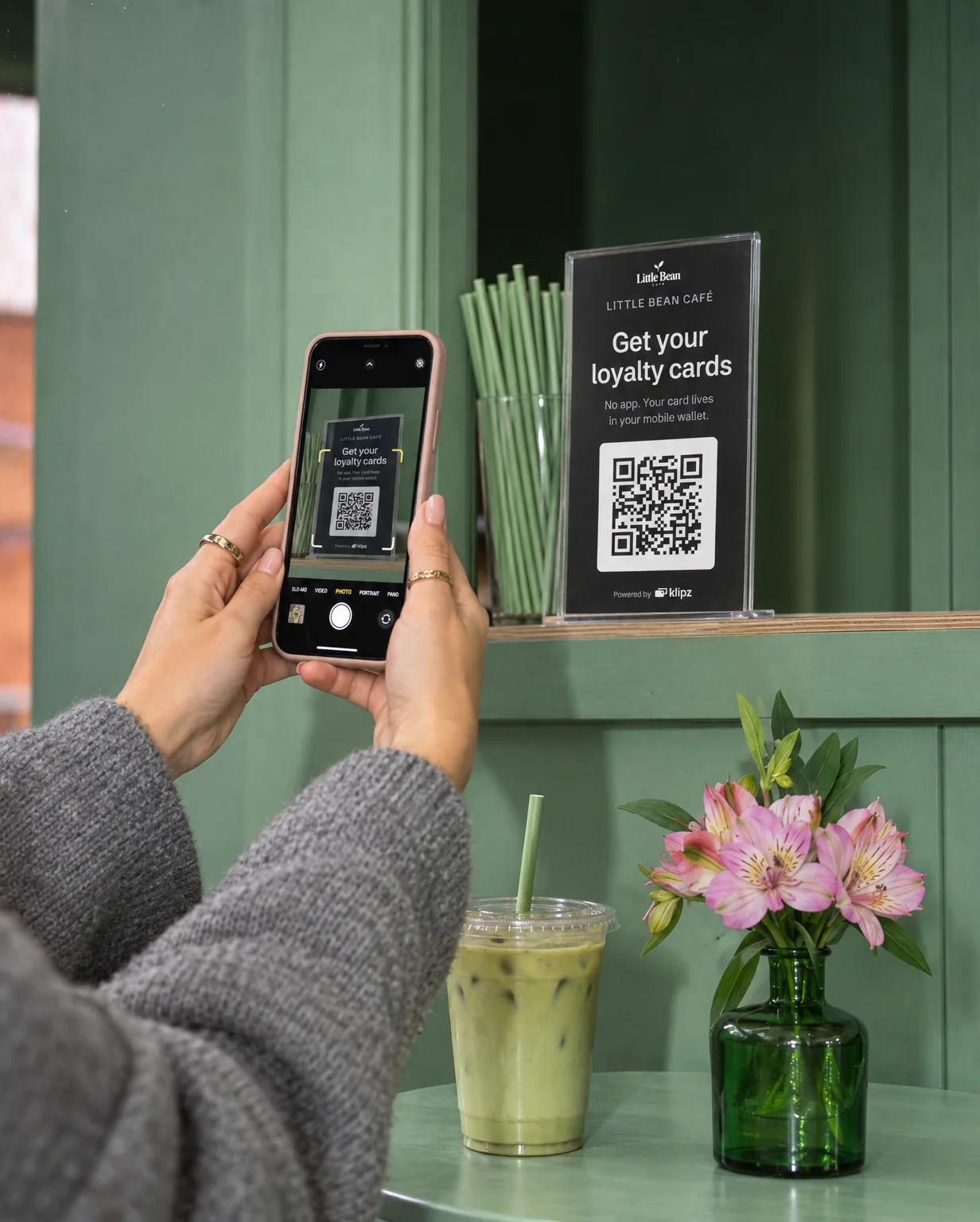
- A sign with a QR code by the counter or the till. The customer scans with the camera and lands in the review box. You can make one with our free Google review sign.
- On the receipt, the menu or the table card, if you have them.
- In your emails and on your website.
Ask everyone, and ask the same way
Ask right after a good moment: when the customer says thanks, praises the coffee or gets their reward. One short line is enough: "Would you write a few words about us on Google? The QR code is right here."
Ask every customer, not only the ones you think are happy. Google's rules forbid asking selected customers for positive reviews.
What you must not do
Google's review rules are strict. Break them and Google can remove reviews and restrict your profile. You must not:
- Give anything for a review: no discount, no stamp, no free coffee. That holds even if you don't ask for a positive one.
- Ask only the happy customers, or discourage negative reviews.
- Pressure customers while they are in the shop. A sign is an invitation. Standing there while they type is not.
- Ask staff to collect a set number of reviews or reviews with certain words.
Fake reviews are also banned under Danish marketing law, whether you write them yourself or pay someone to.
Answer your reviews
Answer briefly and kindly, the negative ones too. Thank people for the good ones, and say what you are doing about it when something went wrong. You are writing as much for those who read the reviews later as for the person who wrote.
One QR code for everything
With Klipz the QR stand on the counter leads to your shop's own page. It has your memberships, a button to your Google reviews, your social media and your website. So the same QR code gathers both members and reviews. See the shop's page.